
Website Photography on a Budget: Phone Camera Tips That Look Professional
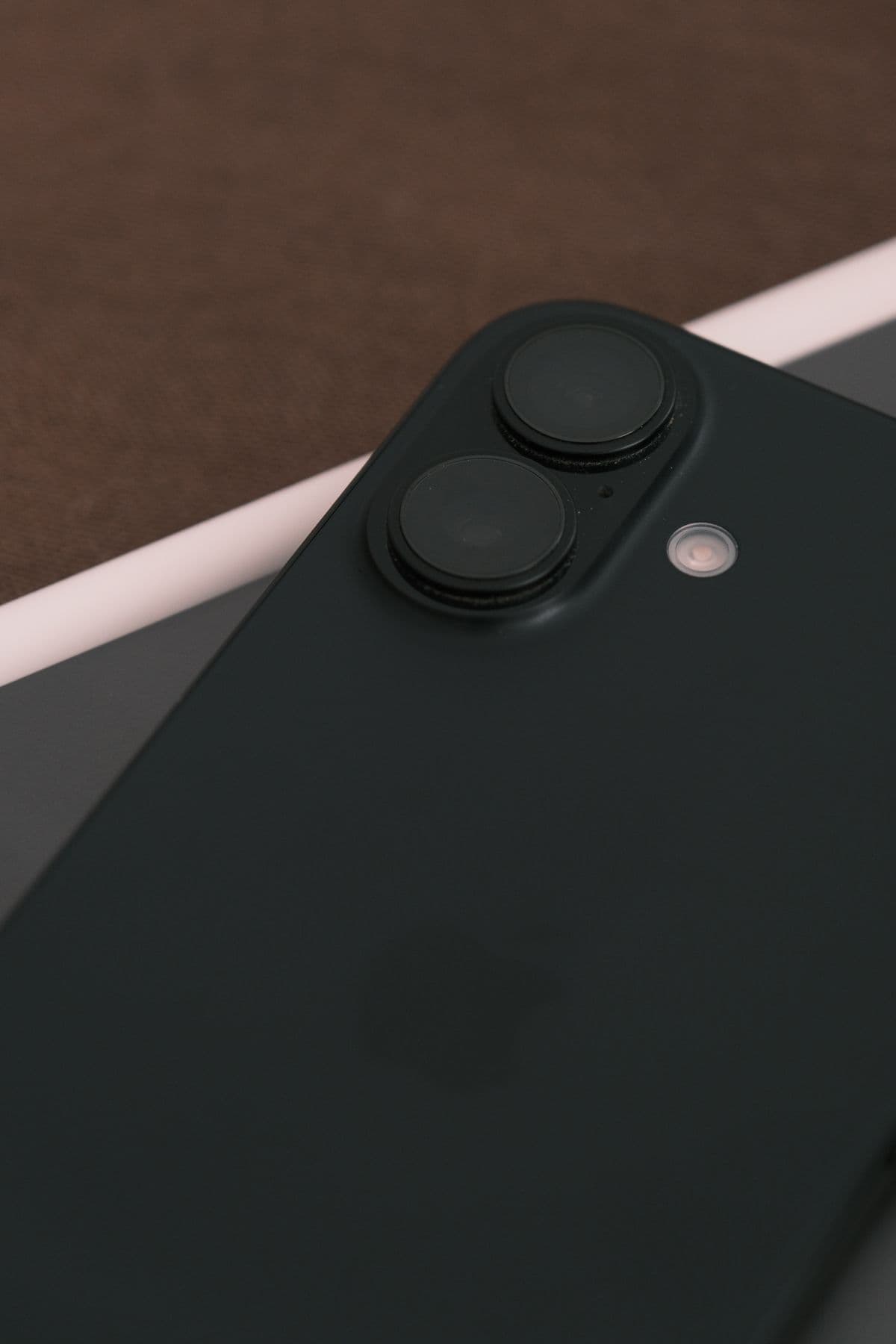
Good photos are one of the highest-leverage upgrades a business website can get — and one of the first things cut from the budget. Here is the honest position: a professional photographer is worth the money, and later in this post we will tell you exactly when to hire one. But if that is not in this quarter's budget, the phone in your pocket is capable of photos good enough for most SME websites — provided you control the two things that matter far more than the camera: light and background.
Light is the whole game
Almost every "bad" phone photo is really a bad-light photo. The fix costs nothing: shoot next to a big window with the light falling on your subject, not behind it. Daylight through a window is soft, flattering and free; the overhead fluorescent tubes in most Malaysian shoplots are none of those things, casting green-tinged shadows that make food look tired and faces look ill. Turn the flash off — it flattens everything. Outdoors, avoid harsh midday sun and shoot in the softer light of morning or late afternoon, or simply move into open shade. If a photo looks dull, do not reach for a filter; move closer to the window and take it again.
Clean up the background
The second habit of professional-looking photos is a boring background. Clutter — cables, cartons, the mop in the corner — drags the eye away from the subject and screams "snapshot." Clear the frame before you shoot: a plain wall, a clean tabletop, or a large sheet of card curved behind a product makes an instant improvement. Stepping closer to your subject helps too, because it fills the frame and crops the mess out naturally. Portrait mode's background blur can rescue a busy scene, but use it sparingly — it sometimes smudges the edges of products, and a genuinely tidy background always looks better than a digitally blurred messy one.
Real photos beat stock, every time
Customers can smell stock photography — the too-white smiles, the generic handshake, the office that is obviously not in Malaysia. A slightly imperfect photo of your actual team, your actual shopfront and your actual work builds more trust than any polished image of strangers, because trust is the entire job of an SME website. This matters double for local businesses: customers checking your site before visiting want to recognise the place when they arrive. Real photos also feed your marketing — a project walkthrough or behind-the-scenes post is far stronger with your own pictures, something we touched on in our list of blog content ideas for Malaysian SMEs.
A simple shooting checklist
- ●Wipe the lens first — a smeared lens is the most common cause of hazy photos
- ●Shoot landscape (horizontal) for website banners and headers; add some portrait shots for social media
- ●Take far more photos than you need — ten frames of the same shot costs nothing, and one will be right
- ●Keep the phone steady: brace your elbows or lean against something solid
- ●Cover the range: a wide shot of the space, medium shots of people working, close-ups of details and products
Basic editing, without going overboard
Your phone's built-in editor is enough. Straighten the horizon, crop out distractions, and nudge the brightness up slightly — most phone photos benefit from a small lift. Then stop. Heavy filters and oversaturated colours date quickly and make products look unlike themselves, which invites complaints. Aim for a consistent look across the site by editing every photo the same light-handed way. One technical note: photos straight off a phone are enormous, and uploading them at full size will slow your website to a crawl — a real problem when most of your visitors are on phones over mobile data. Resize and compress images for the web before uploading, or make sure whoever runs your site does.
When it is worth hiring a pro
Phone photos have limits, and pretending otherwise would be dishonest. Hire a professional for the hero image at the top of your homepage, for food photography, for products on clean white backgrounds if you sell online, and for team headshots — the situations where lighting control and lens quality visibly show. The efficient play is a single half-day shoot covering those essentials, then your own phone photos for blog posts and social media in between. If you are refreshing your photos as part of a bigger website update, tell us what you are planning — we will tell you honestly whether your current site can carry the new photos or whether it is holding them back.