
Website Analytics for Non-Technical Owners: The 5 Numbers That Matter
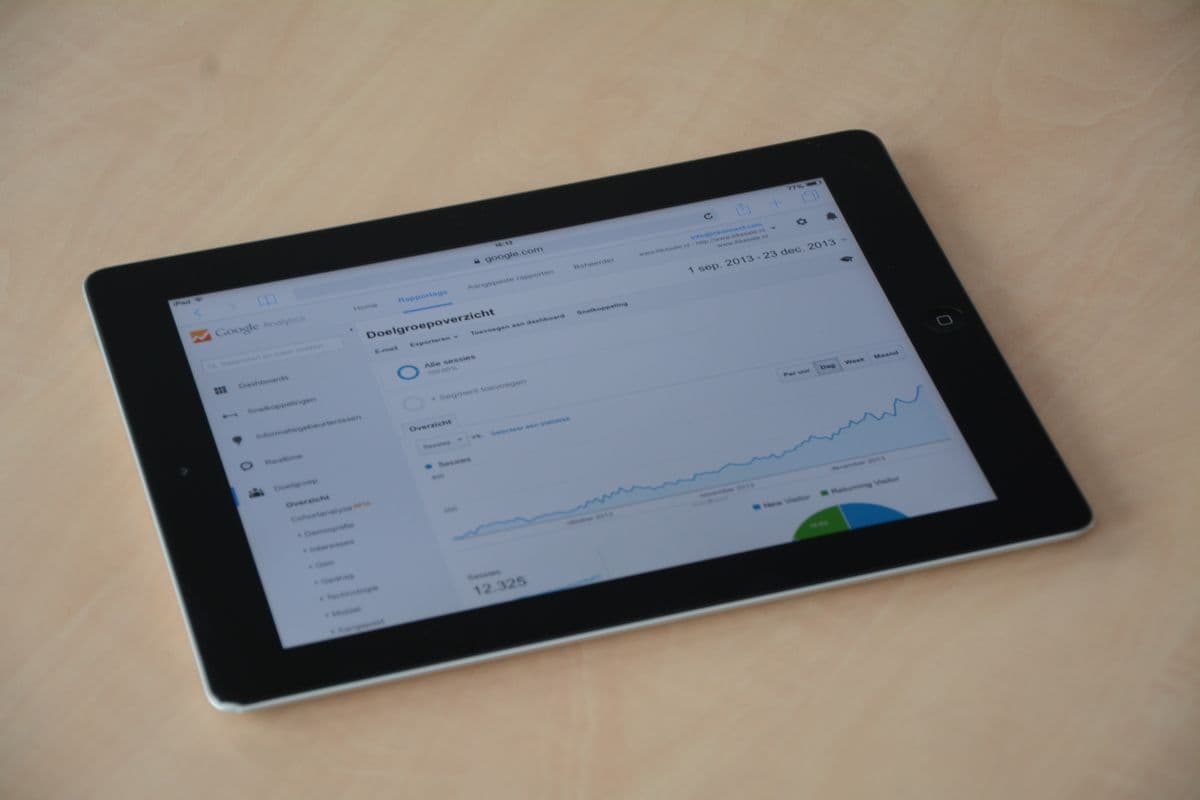
Open a typical analytics dashboard and you are hit with dozens of charts: sessions, engagement rate, event counts, scroll depth, average session duration. For a business owner with a company to run, it is overwhelming — so most owners either obsess over the wrong number or stop looking entirely. Both are mistakes, because buried in that dashboard are a handful of numbers that genuinely tell you whether your website is doing its job.
You do not need to become a data analyst. You need about fifteen minutes a month and the five numbers below. Everything else can wait until you have a specific question.
1. Visitors: how many people actually came
The starting point is simple: how many people visited your site this month? Analytics tools usually call this "users" or "visitors" — the count of individual people, as opposed to "pageviews", which counts every page loaded and always looks flatteringly bigger. Look at visitors month by month. The absolute number matters less than the direction: a small services business might see a few hundred visitors a month and thrive, while a store might need thousands. What you want to know is whether the line is going up, flat, or down — and if it moves sharply, why.
2. Sources: where they came from
Every visitor arrives from somewhere: a Google search, a Facebook or Instagram link, a WhatsApp message someone forwarded, an ad you paid for, or typing your address directly. Your analytics tool groups these into sources or channels. This number tells you which of your marketing efforts actually send people to the site. If you are paying for ads but most visitors come from Google search, that is worth knowing. If you post daily on social media and it sends almost nobody, that is worth knowing too. Sources turn marketing from guesswork into something you can check.
3. Top pages: what they looked at
Which pages get the most visits? The answers are often surprising. Maybe a blog post you wrote months ago quietly brings in half your traffic. Maybe your pricing page is the second most-visited page — a strong sign visitors are seriously comparing you. Maybe a service you consider core barely gets looked at. Top pages tell you what visitors actually care about, which should shape what you improve, what you write next, and what you feature on your home page.
4. Enquiries: the number that pays the bills
This is the one that matters most, and the one owners skip because it takes a little setup. How many visitors contacted you — submitted the enquiry form, clicked the WhatsApp button, tapped your phone number? Analytics tools can count these as conversions or key events, but someone has to configure them; it rarely happens by itself. Once it is set up, you can answer the only question that really counts: is the website producing enquiries? A site with a hundred visitors and five enquiries is beating a site with a thousand visitors and one. If your analytics cannot tell you this today, fixing that is worth more than everything else in this article.
5. Mobile share: how they visited
What percentage of your visitors are on a phone? For most Malaysian businesses the answer is a clear majority, and it should change how you judge your own site. Owners tend to review their website on an office computer, then wonder why enquiries are low — while most of their visitors are squinting at it on a phone on mobile data. If your mobile share is high (it almost certainly is), open your site on an ordinary phone and go through it as a customer would. That exercise finds more problems than any dashboard.
The numbers you can ignore
- ●Pageviews on their own — inflated by one person clicking around, and they tell you nothing about enquiries.
- ●Average time on page — distorted by tabs left open and hard to interpret even when accurate.
- ●Bounce rate in isolation — a visitor who reads one page, gets your number and calls you is a success, not a bounce problem.
- ●Live visitor counters — refreshing the screen watching two dots move is not analysis, it is a distraction.
A short note on privacy
Analytics involves collecting data about visitors, so treat it with the same care as customer data under Malaysia's Personal Data Protection Act. The practical rules are simple: collect only what you need, say so in a plain privacy policy, and consider privacy-friendly analytics tools that work without cookies — they give you every number in this article without a consent banner in anyone's way. You are counting visits to improve your website, not building profiles of individuals; keep it that way.
Fifteen minutes a month
Pick a day each month, open the dashboard, and write down the five numbers: visitors, top sources, top pages, enquiries, mobile share. Compare with last month. Ask one question: what is the single most useful thing to change based on this? Every site we build ships with analytics configured — including enquiry tracking, the part most setups miss. If your current site cannot answer these five questions, talk to us and we will sort it out in plain language, no jargon attached.